
Managing someone else's building is a different trade from managing your own: the deliverable is a report that lands in the hands of people who don't own the data and who can audit it or dispute it. Everything in AdminLook is built around that — the numbers reconcile against an approved budget line by line, every peso carries its receipt, and once a month is issued it freezes: a correction is next month's adjustment with a note, not an edit on top of something somebody already has printed.
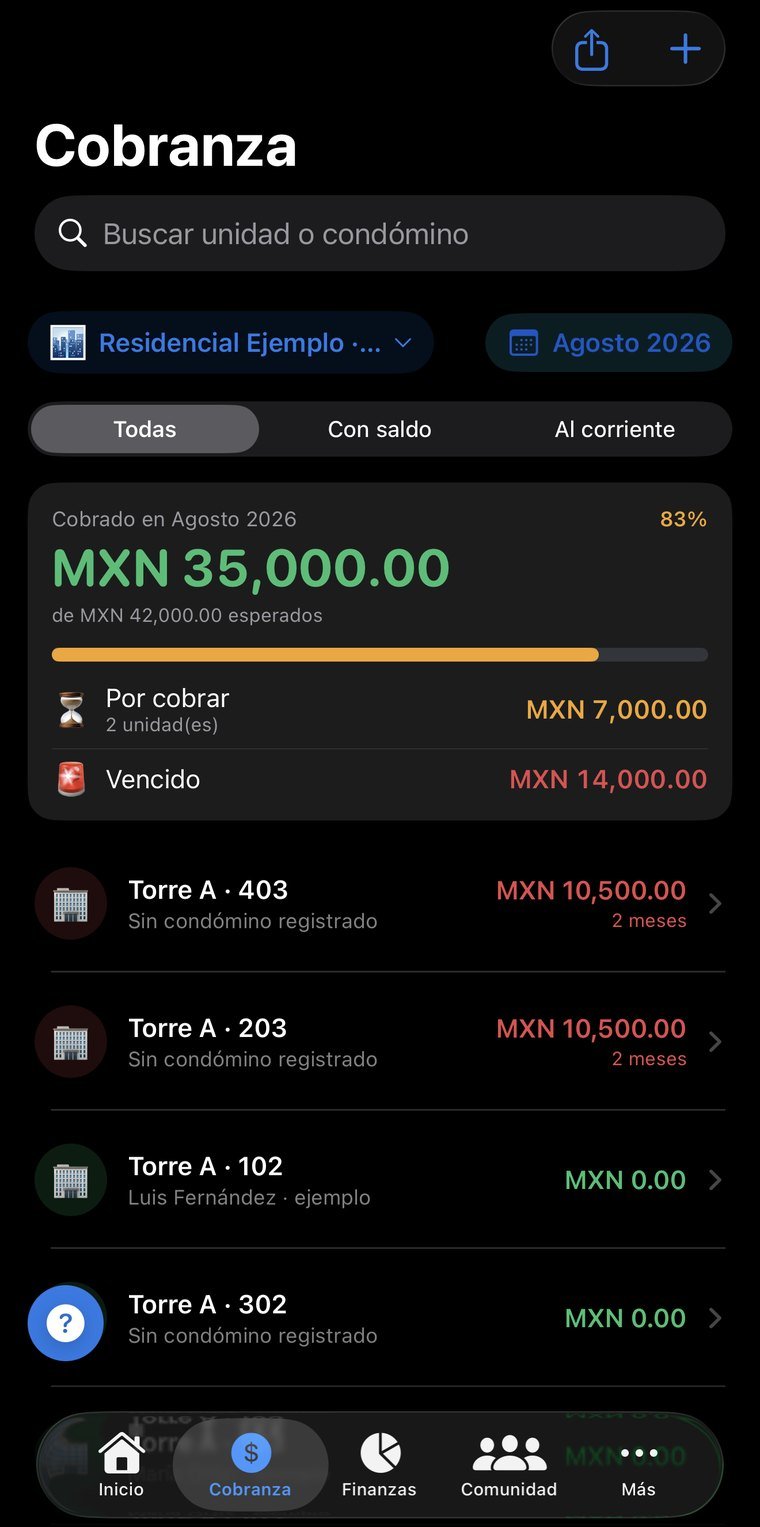
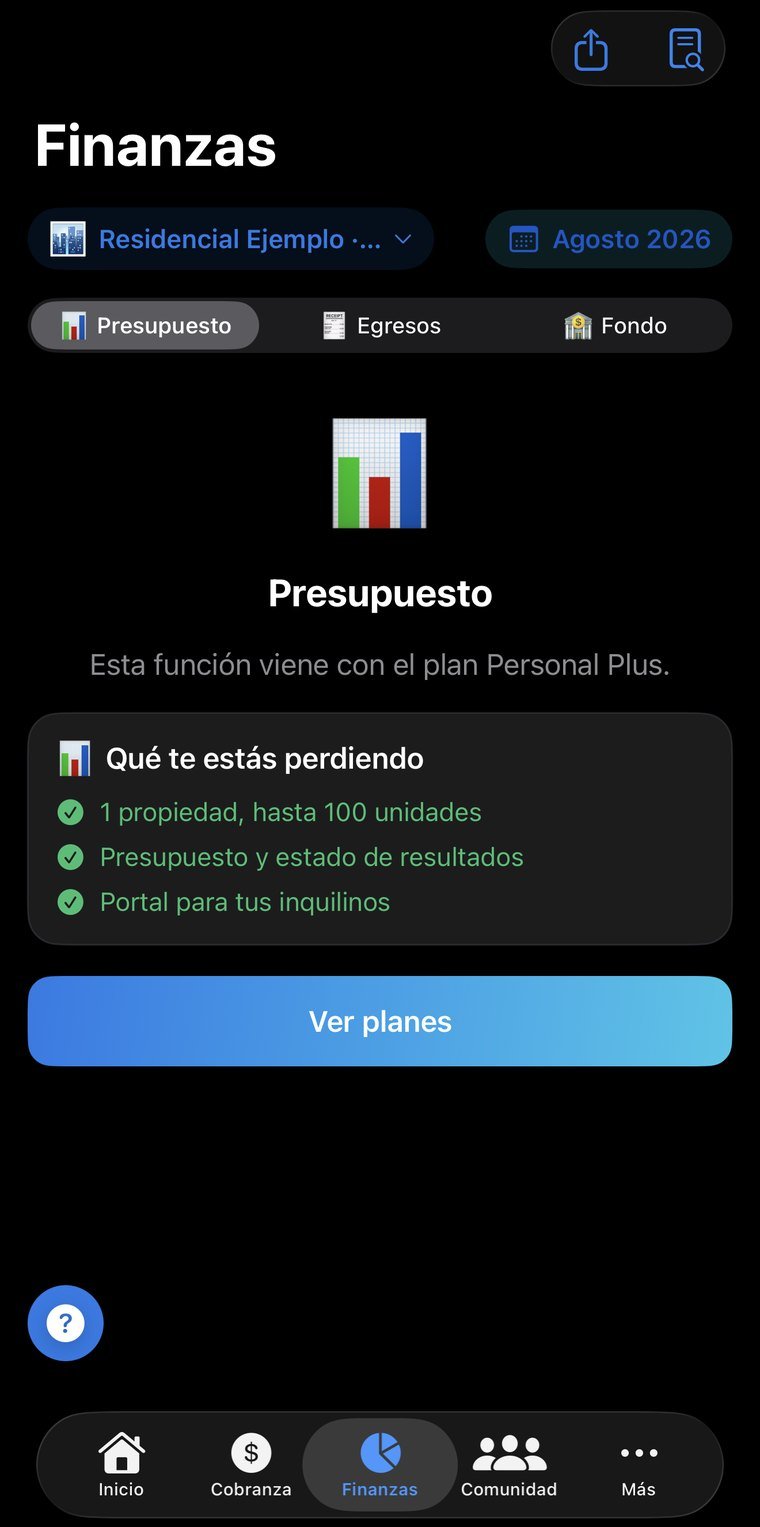
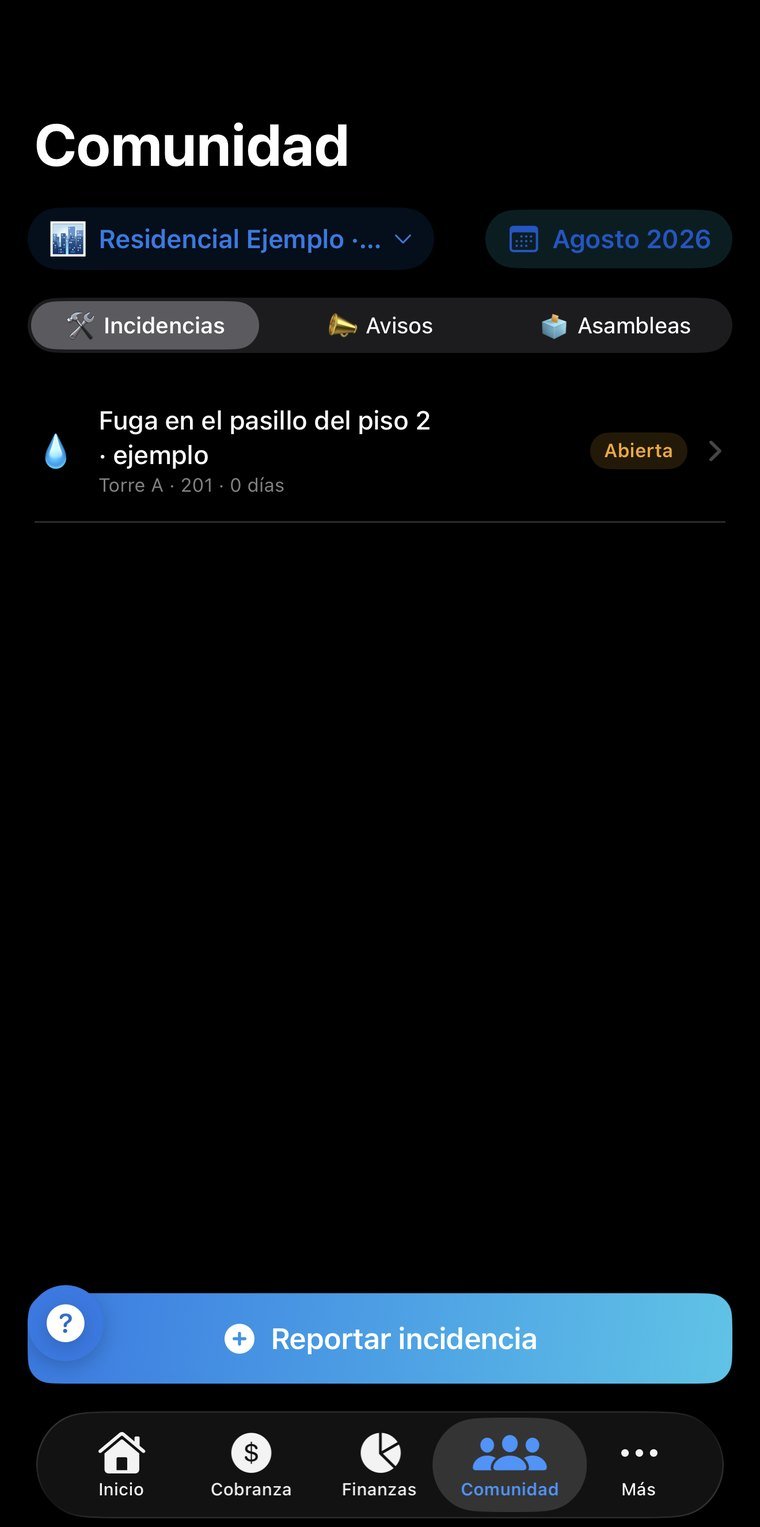
Real screenshots, not mockups. Tap any of them to see it full size; arrows move between them, Esc closes.
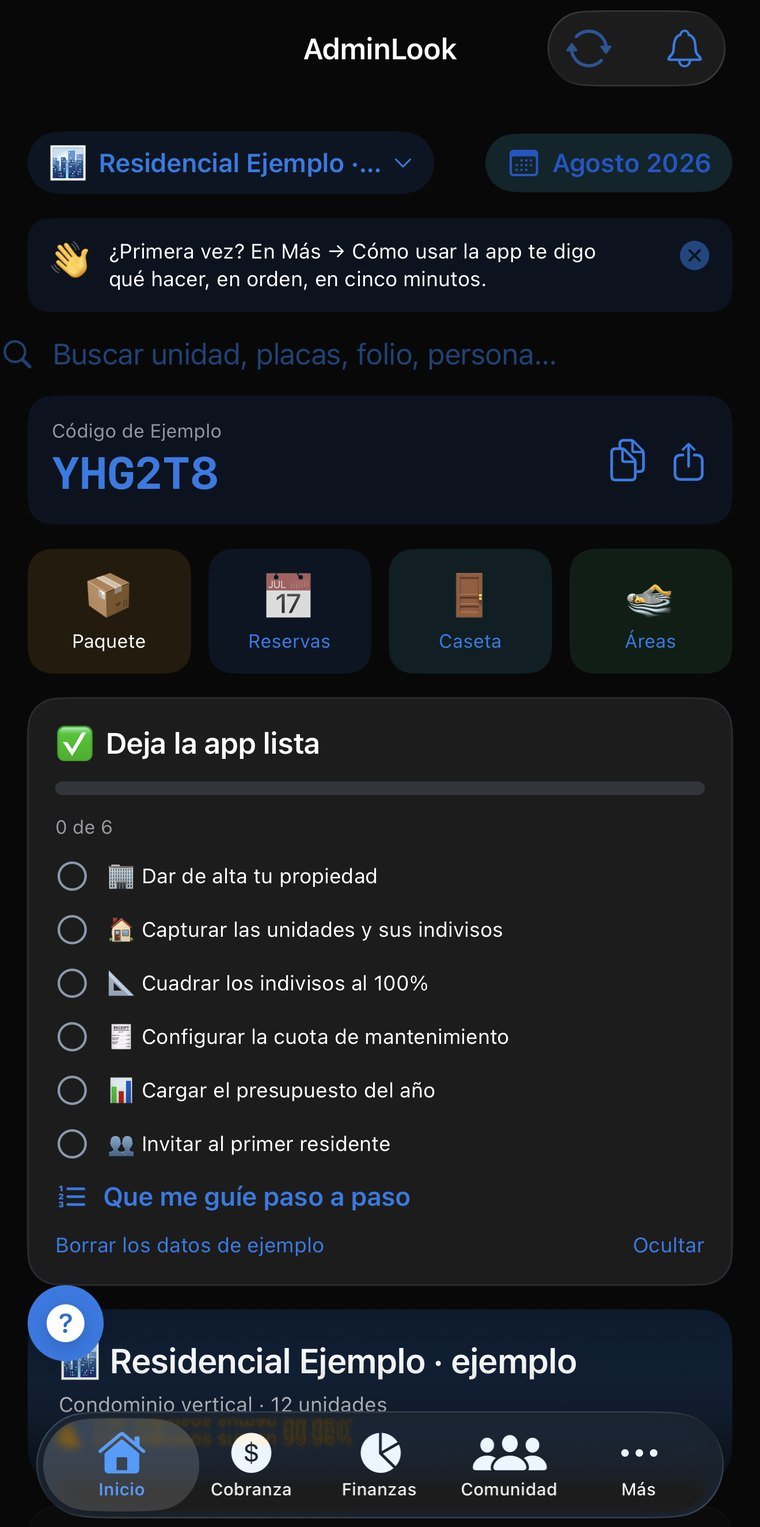
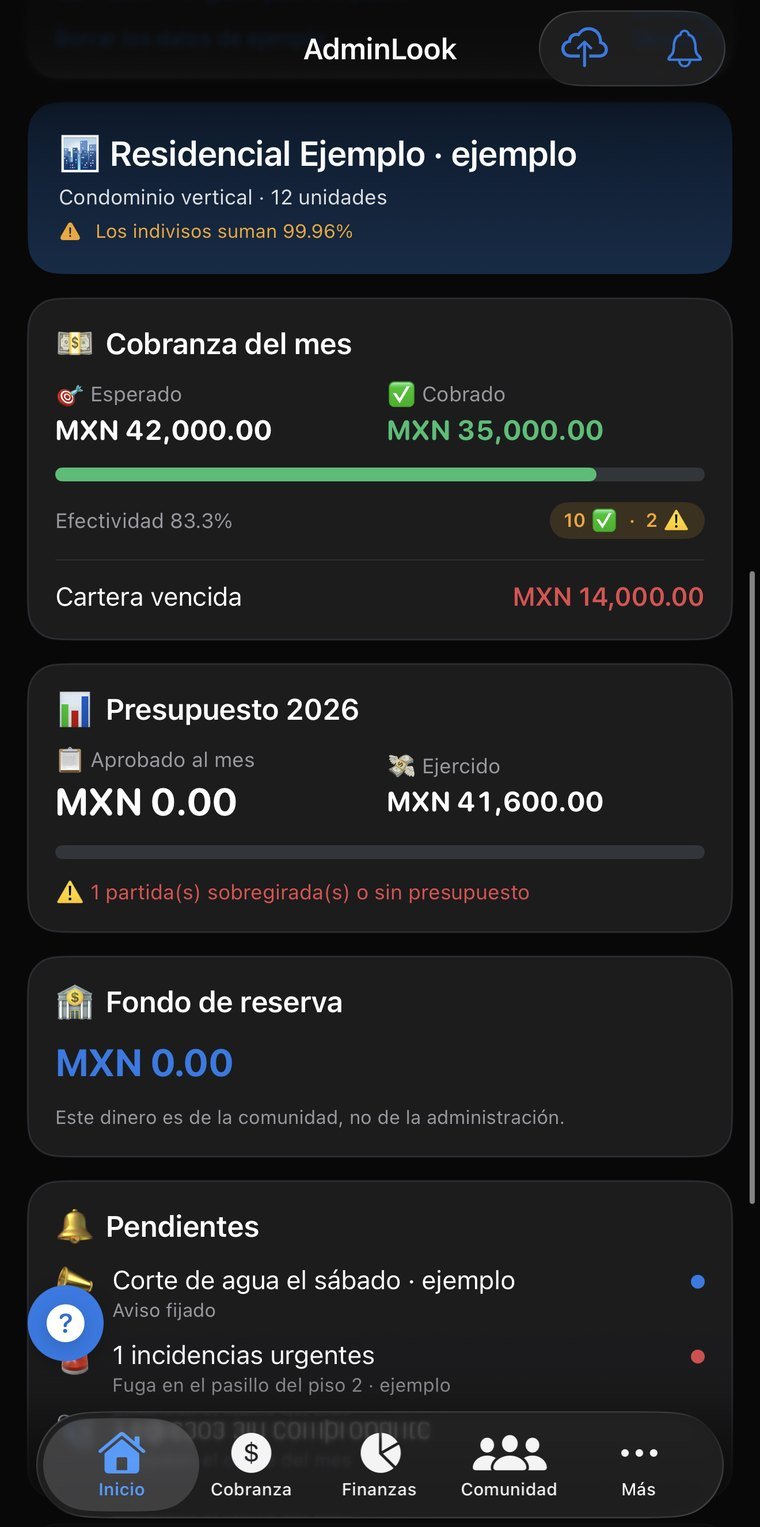
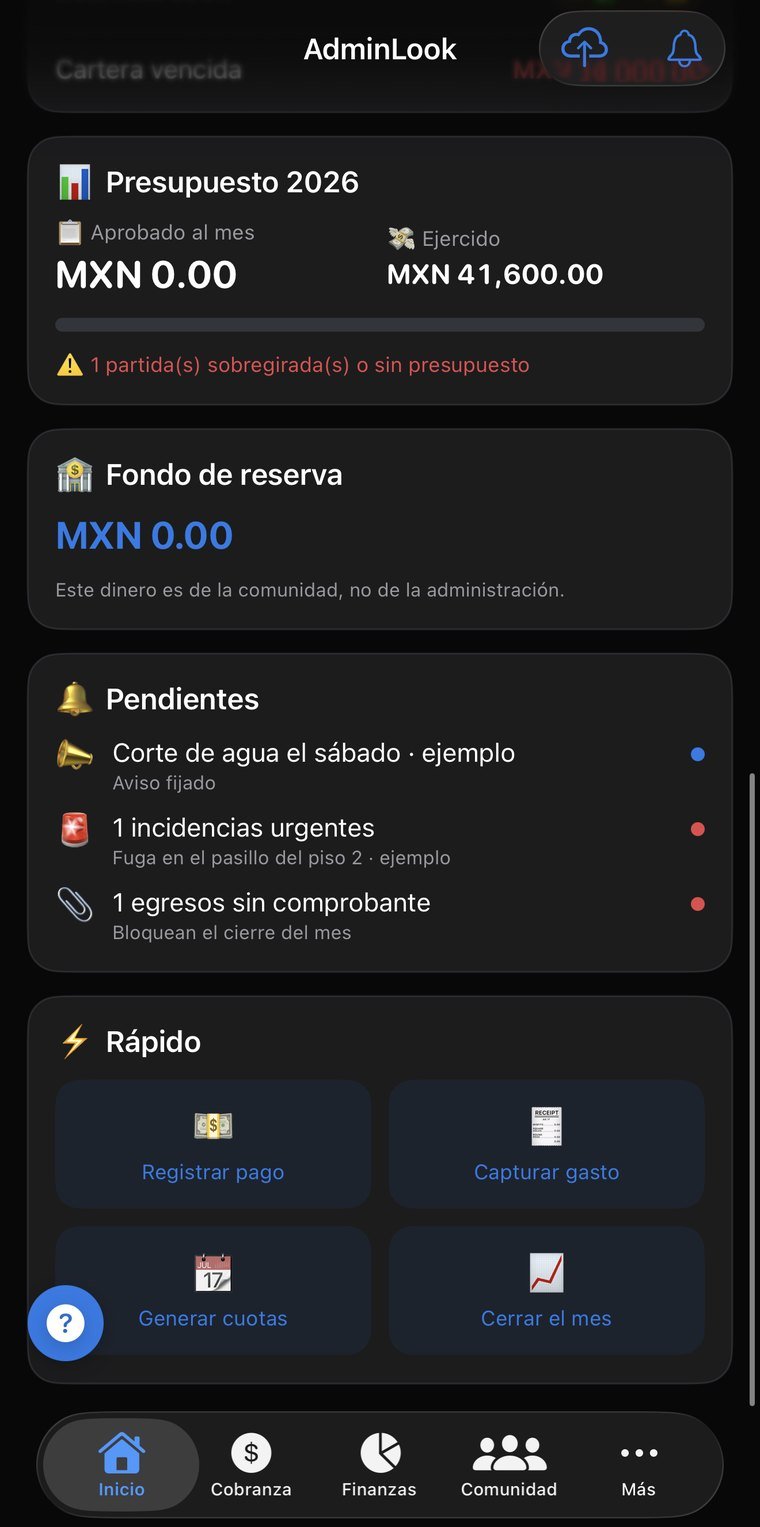
By ownership share, by square meter, or by price per square meter — the last two get confused constantly and give different answers. Units are created by pattern, towers by floors by units, with a preview before anything is written; and areas are captured by unit ending: “the 01s are 100 m²” is entered once and applies to all 24 floors.
Reminders three days before, on the day, and at 15, 30, 60 and 90, with the tone rising and without threats — the person who owes is still a neighbor. Each unit gets its own bank reference with a check digit, which turns reviewing 47 deposits into reviewing 2.
Six PDF sections with a cover page, a consolidated view by tower, a waterfall cash flow, and delinquency by occupancy. Issued and frozen. Plus the annual report for the assembly and the handover file with acknowledgment of receipt.
It answers the three reasons a resident opens the app: how much do I owe, did something arrive for me, and something is broken. Plus a statement with aging, a searchable bylaw, disputable fines and announcements. No resident ever sees another resident's data.
Exclusive for the party room, capacity-based for the gym, by slot for pool lanes, and open for check-in only. Capacity counts people, not bookings: a family reserving for four takes four of thirty spots. With recurring series, a waiting list, and a monthly cap per unit.
Visitor log, packages with a notice to the recipient that says where it came from and who received it, patrol rounds, and key control. The gate can't see balances or debt: no server rule allows it, on purpose.
A no-debt certificate with a sequential number and a balance frozen at issuance — the one a notary requires to close a sale. A unit handover checklist, including the toll tag everyone forgets. And a calendar of legal obligations, each one with its consequence written out.
Equipment with make, model and serial number, a calendar with overdue items in red, and proof of work done that generates the expense by itself. Payroll with prorated year-end bonus, and petty cash kept apart from formal expenses — demanding an invoice for an $80 expense is how you end up recording none of them.
The history doesn't hang off the manager's account. If the manager changes, the information transfers and the outgoing one stays on as board member; the building doesn't lose its history. Includes a certified backup with a hash for formal handovers.
No new account, nothing to install: you sign in with the same email and password as the app and see your information on a big screen. Useful for reviewing, showing someone something, or printing without passing screenshots around.
The email and password you already use. If you don't remember it, the reset email goes out from that same screen.
Communities, units, charges, payments received…
The session lives only in that tab and is erased when you close it. If you signed in on a borrowed computer, nothing is left behind.
The web is for reading; entry happens in the app. Two places writing at once is how information stops reconciling and changes get lost — we'd rather that simply couldn't happen.
Permissions are enforced server-side, not by the page. From the browser you can't reach information that isn't yours, even if someone tries by hand.
What you see depends on your role: management, board or resident.
For property managers and firms running several buildings at once, from a 100-square-foot unit to complexes of more than 2,000 apartments.